Live Preview
Names, palette, photos, and wording update while you edit.
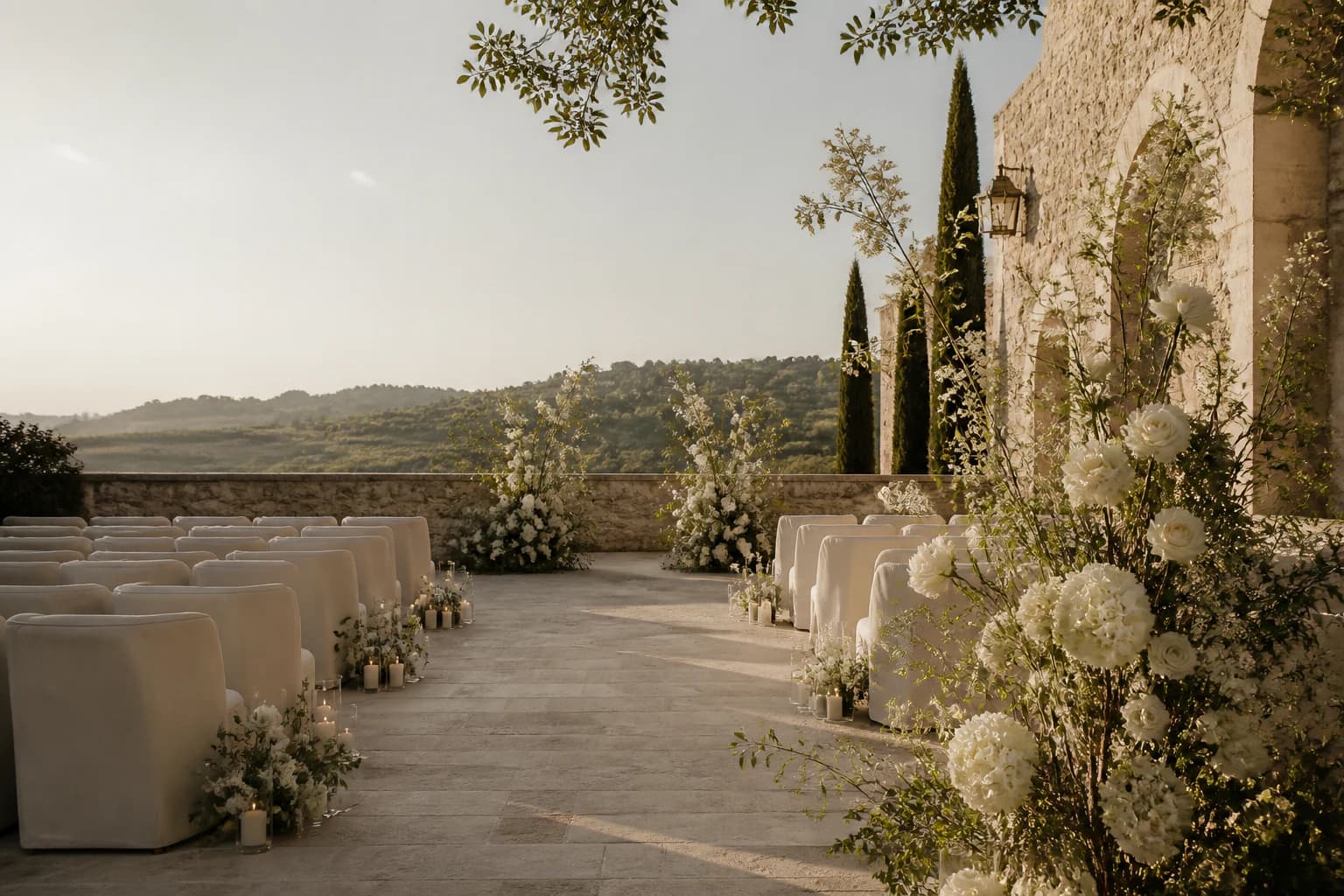
An invitation made to feel entirely yours.
The invitation
Begin with an editorial design, then shape every photograph, word, and detail around your day.
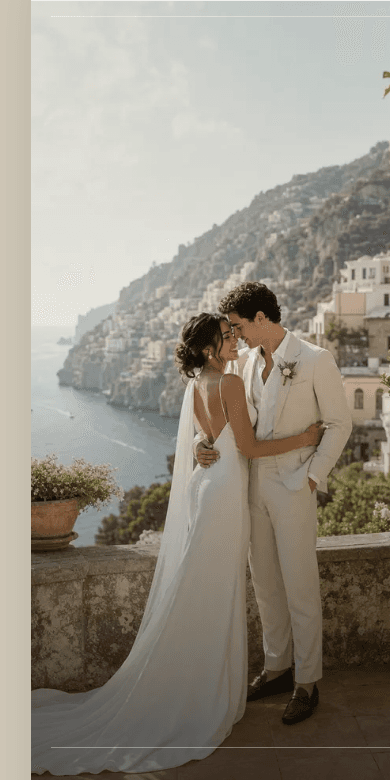
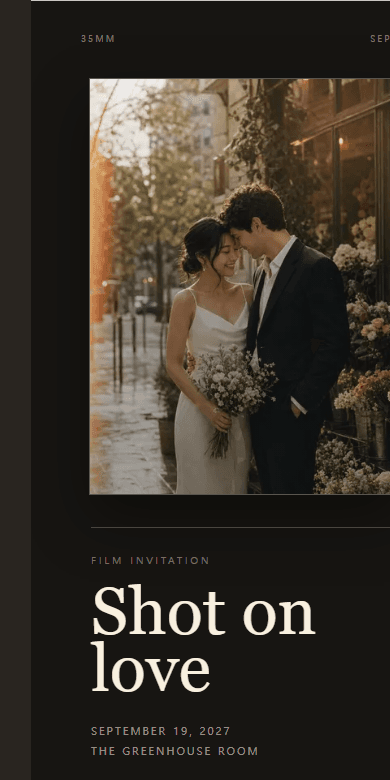
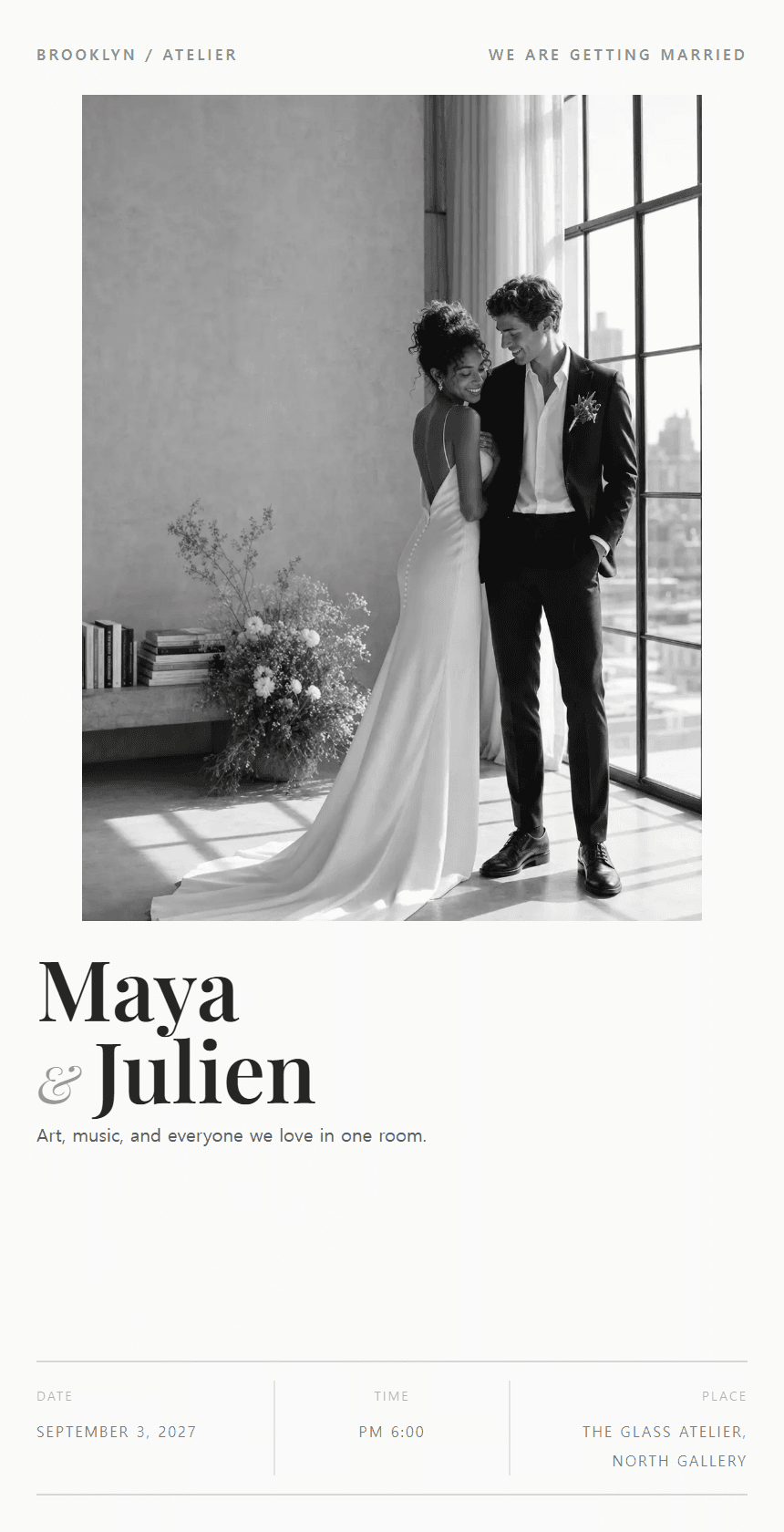
One invitation, thoughtfully composed
Begin with a design, then add only the sections that belong in your celebration.
Names, palette, photos, and wording update while you edit.
Opening words can appear letter by letter over a photo or video, like a quiet cinematic title.
Send one polished mobile link to overseas guests.
Collect attendance, meals, plus-ones, and notes in one flow.
Add venue access, travel, parking, and after-party details.
Show portraits, film-style memories, and guest upload moments.
Reveal gifts, funds, or charity links only when needed.
Wedding date, D-day, and itinerary sections stay consistent.
The guest experience
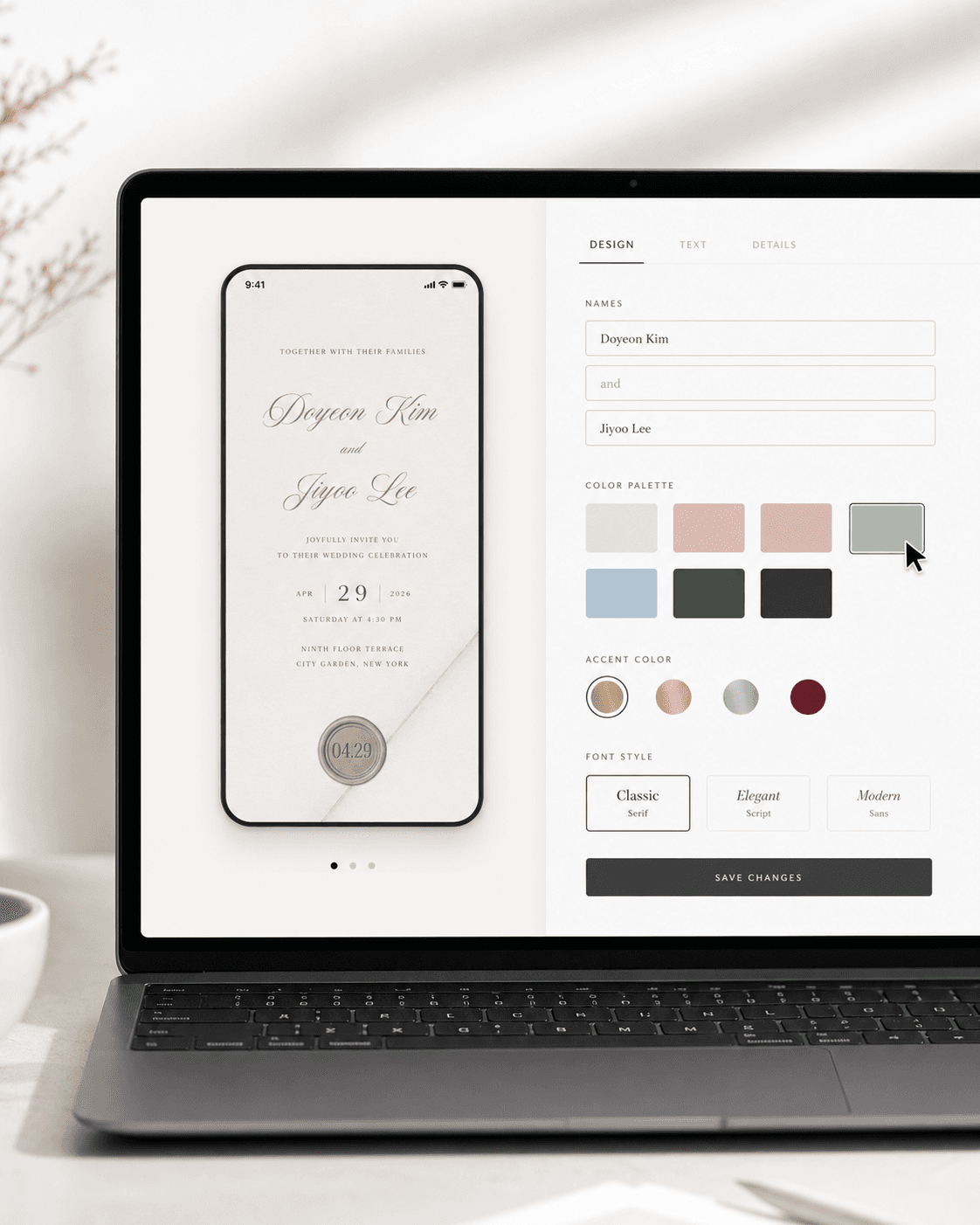
01 / Live Editor
Live preview, palette, copy, and save flow
Edit once. See the invitation change instantly.
01 / Live Editor
Names, date, wording, palette, and accent details update in the preview so couples can decide visually, not by guessing from a form.
01
Live preview, palette, copy, and save flow
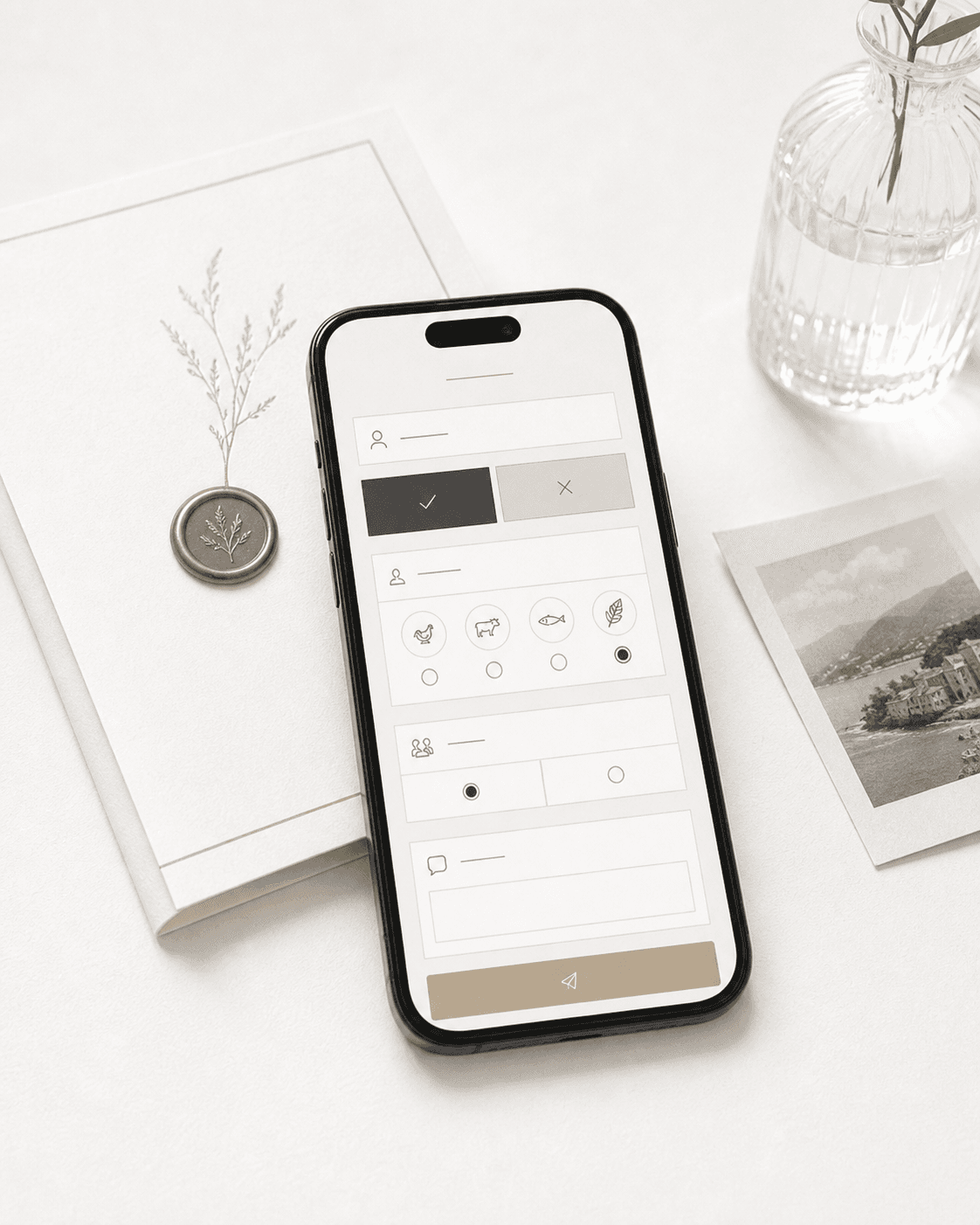
02 / Guest RSVP
Attendance, meals, plus-ones, and notes
Replies arrive structured, not scattered.
02 / Guest RSVP
Guests can accept, decline, add meal notes, plus-one details, and private messages from the same elegant mobile invitation.
02
Attendance, meals, plus-ones, and notes
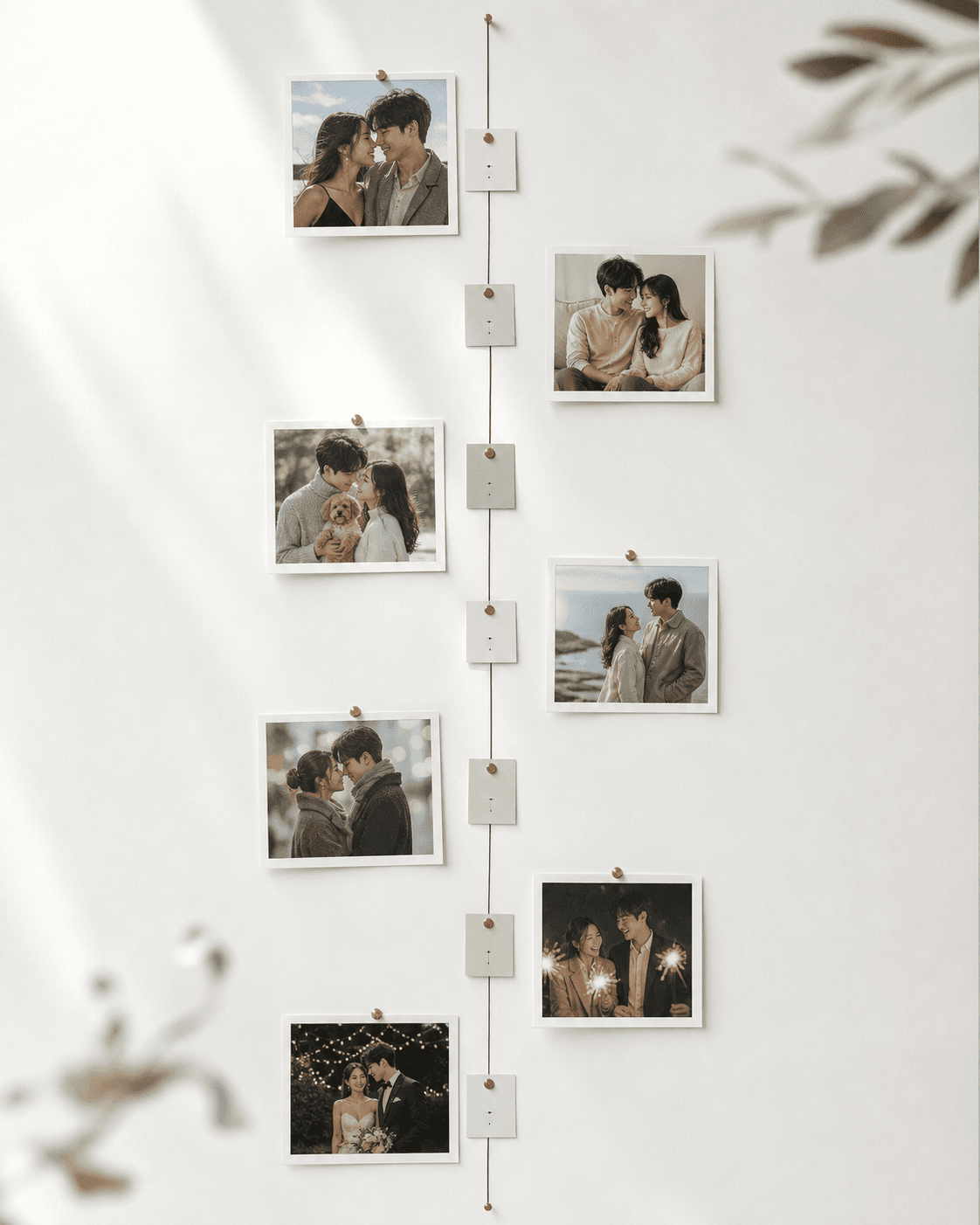
03 / Our Timeline
Memory cards, dates, and story moments
A relationship timeline that feels personal.
03 / Our Timeline
First date, favorite trips, proposal, and wedding day can be arranged as a clean vertical story with photos instead of a generic block.
03
Memory cards, dates, and story moments
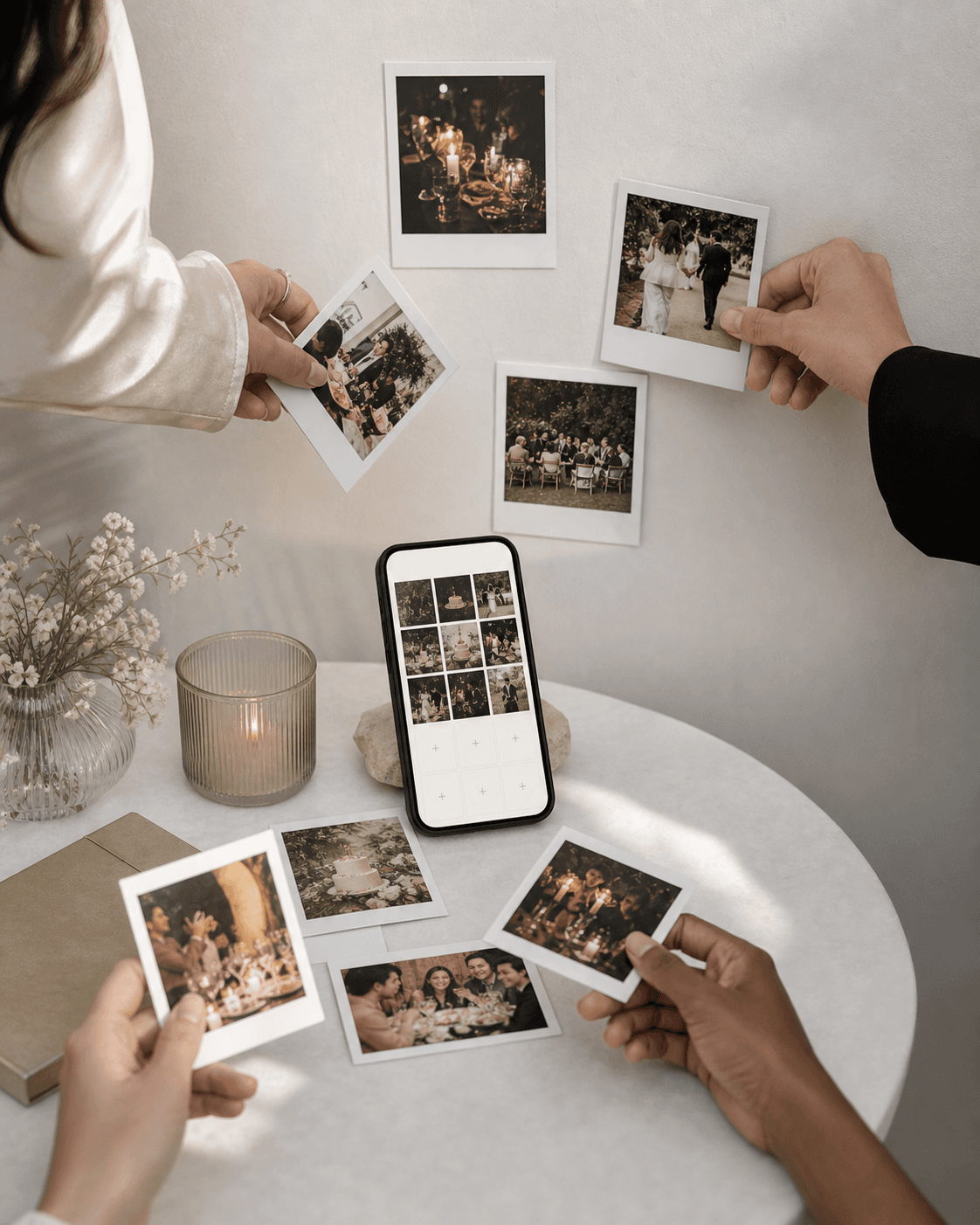
04 / Guest Snap
Guest uploads and shared photo gallery
Let guests add the moments you missed.
04 / Guest Snap
After the celebration, guests can share candid photos into a curated gallery so the invitation keeps collecting memories.
04
Guest uploads and shared photo gallery
Four steps. One shareable invitation.
Names, date, venue, and the tone you want your guests to feel. No template hunting.
Start from an editorial design, then add your details, photos, and preferred wording.
Collect attendance, dietary notes, plus-ones, and guest details without awkward follow-ups.
Designed for international families and guests who need a clear, elegant mobile experience.
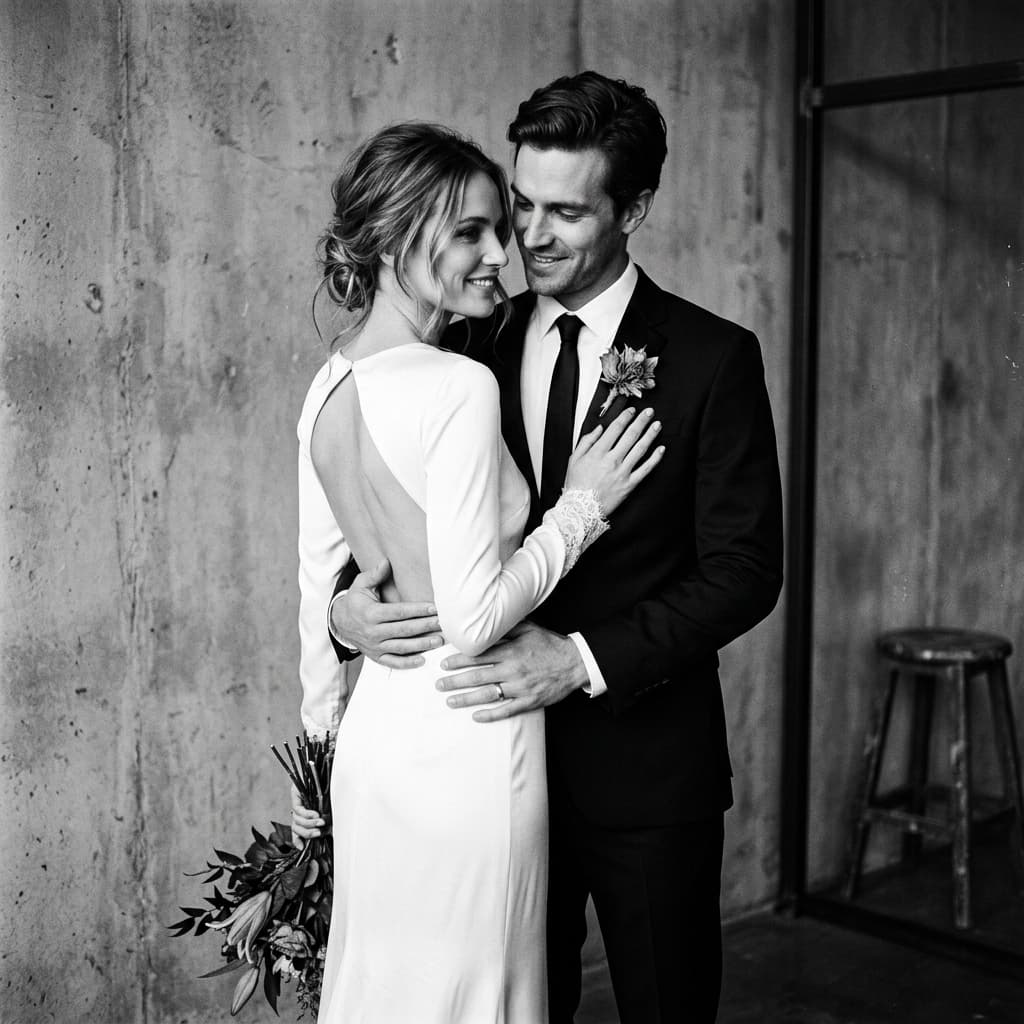
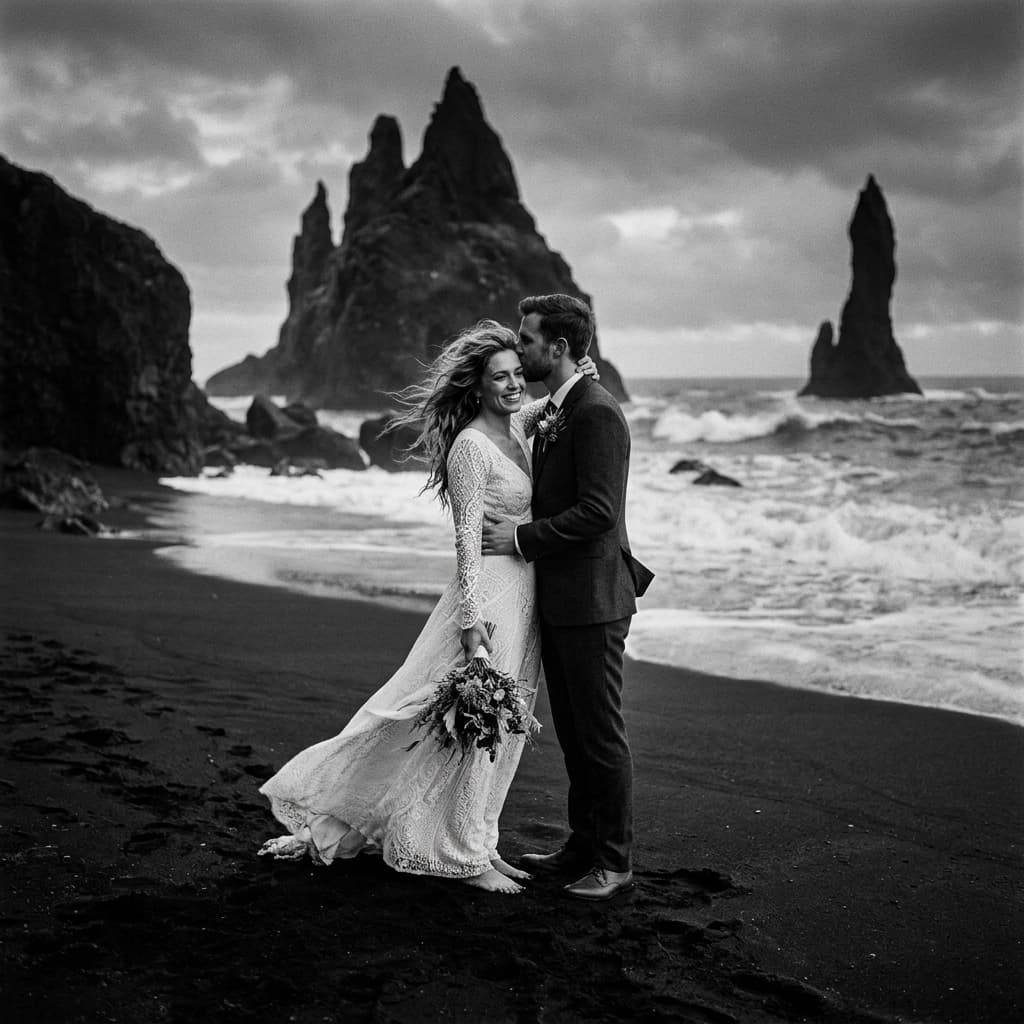
We are getting married
Min
&
Jae
Seoul, 2027
Editorial by design
Choose a restrained magazine-style composition, personalize it with your story, and connect it to the practical RSVP tools your guests need.
Plans for your celebration
One invitation. One payment. Choose the time and memories you want to share.
Free Beta is open now.Paid plans are coming soon. Prices below are planned launch prices, not available for purchase.
A beautiful invitation. Every essential detail.
$25USD
3 months from first publish
Guest Snap not includedYour own photo gallery is still included.
Your invitation, with memories from everyone.
$35USD
6 months from first publish
Guest Snap includedCollect guest photos in your connected Google Drive.
Everything in Memory. More time to keep sharing.
$45USD
12 months from first publish
Guest Snap includedCollect guest photos in your connected Google Drive.
Planned public hosting starts at your first publish, not while you edit. Republishing will not restart the period. No automatic renewal. These future plan limits do not change your current Free Beta access.